Snake 3D
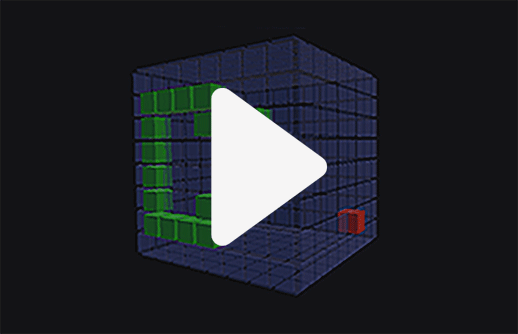
In Snake 3D, you control a blocky snake that moves across the surface of a cube and grows by eating food blocks. You begin with a snake that is just one block long and every piece of food you collect adds four blocks to its length. Movement works in four directions, up, down, left and right, while the cube rotates along with your actions, making it easier to spot new food. If the snake’s head touches its own body, the game ends and the final length of your snake becomes your score. When the run is over, a window appears showing your result and you can enter your name to see where you place on the global leaderboard. Alongside the score, the time it took you to reach it is also recorded, so smart and efficient movement really matters.
Gameplay
You can control the snake using the WASD keys or the arrow keys. On a touchscreen device, movement is handled through a virtual joystick that appears where you tap the screen. Two icons on the left allow you to mute the sound and open the leaderboard. The game runs continuously and cannot be paused.
Tips and advice
Always keep an eye on where the food appears so you can react quickly. While your snake is still short, you can take direct routes without worrying too much about colliding with yourself. As the snake grows longer, careful movement becomes essential to avoid touching its body. Moving in a zigzag pattern is a useful strategy, as it keeps the snake more compact and leaves you with extra space to maneuver. Keep in mind that the leaderboard ranking depends on both your snake’s length and your speed, so choosing the shortest path to the food helps save valuable time. As the snake grows, you will need to track both the food and your own body at the same time. With practice, your control will improve. Good luck reaching the top.